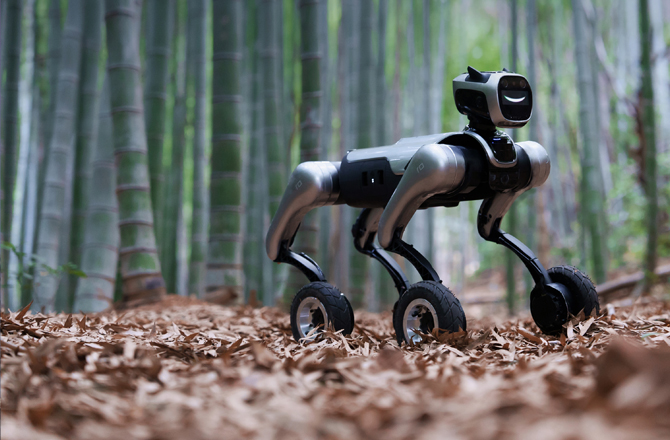

Please let MagicDog sit for a while, and then use it after the water mist has naturally dissipated.
Please press the position on the MagicDog cover with a prompt sticker; pressing this position will allow it to open smoothly;
If you press other non-correct positions, you may need to try pressing a few more times.
This is the design style of MagicDog. Under normal use conditions, the sensors of MagicDog will not be damaged. Please use it with confidence.
When the pickup hole is blocked, the Mic cannot properly capture external sounds;
At this time, please clean the obstructions and dust near the Mic pickup hole.
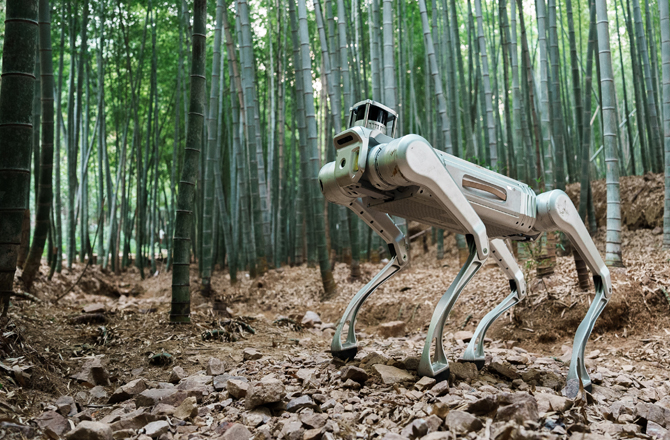
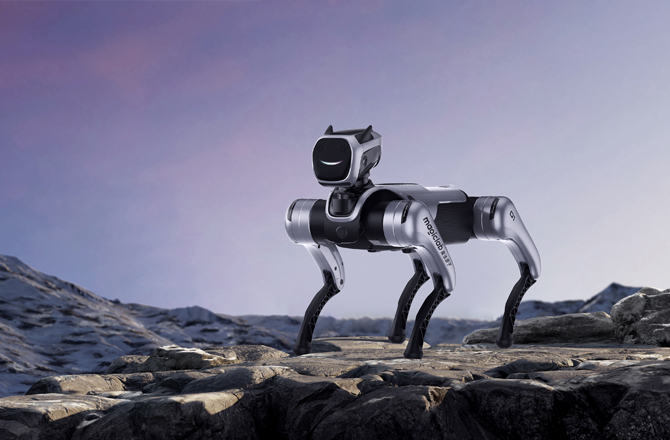
To ensure strength, the robotic dog is made of alloy and engineering plastic. When interacting with the robotic dog, please avoid placing your hands within the range of motion of its legs.
This is normal aging during the machine's usage and will not affect the normal functions of the machine. If there is an obvious abnormal noise, please contact after-sales service promptly for resolution.
Belongs to the battery "false lock" issue;
There are two white strips on the inside of the battery handle. If the white strips are not visible, it indicates that the battery is not locked in place. Please reinstall the battery.
The charging dock pins are precision electrical components and are relatively fragile. During the battery charging process, please align them properly before inserting.
If the pins of the battery charging dock are knocked out of alignment during use, please contact after-sales service promptly for handling.
Please charge or replace with a fully charged battery as soon as possible
1. Ensure the person being followed is within sight (within 1.5m)
2. The person being followed should not move quickly and should try to maintain a speed and distance that can be easily followed.
3. Ensure good lighting in the surrounding environment
4. Ensure that the robotic dog is in a relatively spacious area with a simple surrounding environment of personnel.
1. Ensure that there are no obstacles near/around the robotic dog that could affect positioning
2. The absence of obvious characteristic reference objects around the robotic dog will affect positioning (such as in environments like overly open outdoor areas, hotel lobbies, etc.).
One machine can only be bound to one account. After the original phone opens the APP to unbind the device, the new phone can then perform network configuration and connection.
If you cannot contact the previous binder or find the unbinding entry, you can contact Magic Atom's after-sales staff to perform this operation in the background.
Mode switch required: After switching to "Jogging" mode, the robotic dog can be remotely controlled to move forward/backward/turn in circles, etc.
The robotic dog has no sensors at the rear and on the left and right sides; the operation directs the robotic dog towards the target direction, using the camera and radar in front of the dog to avoid obstacles ahead.
View the corresponding operation video on the official website of Magic Atom (https://www.magiclab.top/service)



 English